
Accessibility tools
Lists
- Last reviewed
- 13 August 2026
Check the structure and accessibility of lists.
Use to test
This tool can help you identify potential accessibility barriers that may affect people with:
How to use
Drag the view lists link to your bookmark bar.
Once the tool is installed, visit a webpage and select the tool in your bookmark bar.
When you have run the check, the following types of list will be highlighted:
What results could look like
This is an example of a webpage showing the list highlighted with a border and an indicator of the list type.
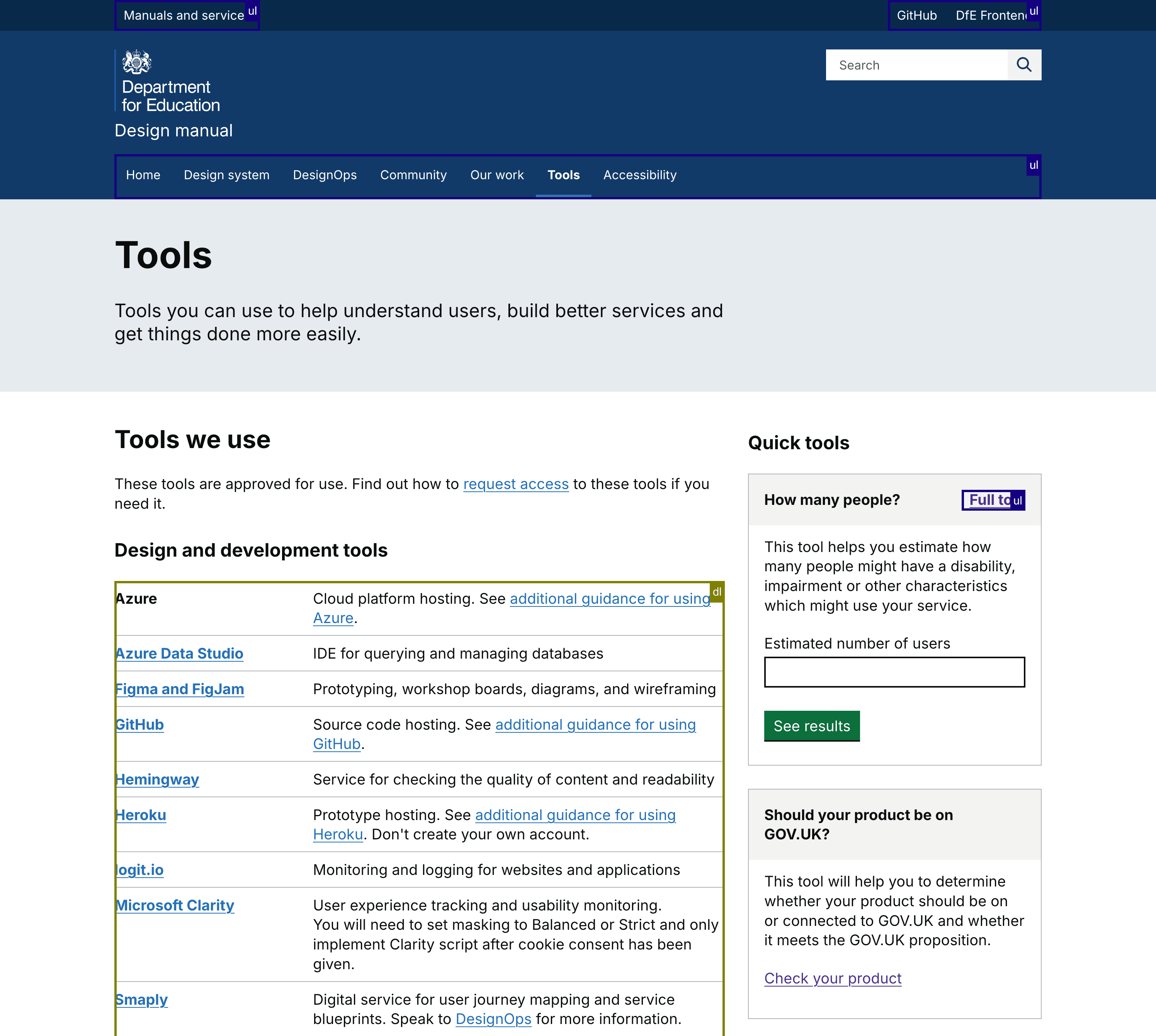
View larger image in a new tab
What to do next
Find out how to interpret accessibility test results, including identifying false positives and avoiding false assurance.
If an issue is genuine, speak to your developer or design team to consider and implement a fix.
Read guidance about how to manage and prioritise accessibility issues.